Sign in
Activate your account
You do not register yourself. Your Certification Body (CB) registers your company as its client. You then receive two emails at the email address the CB entered for you:
Activate Your Green Gold Label Account, with a link to activate your account;
Action Required: Green gold label certification, which asks you to accept the request of the CB.
To activate your account:
Open the link in the activation email.
Enter a password and enter it again to confirm. The page lists the rules the password has to meet; they are also listed in Change your settings.
Select Submit.
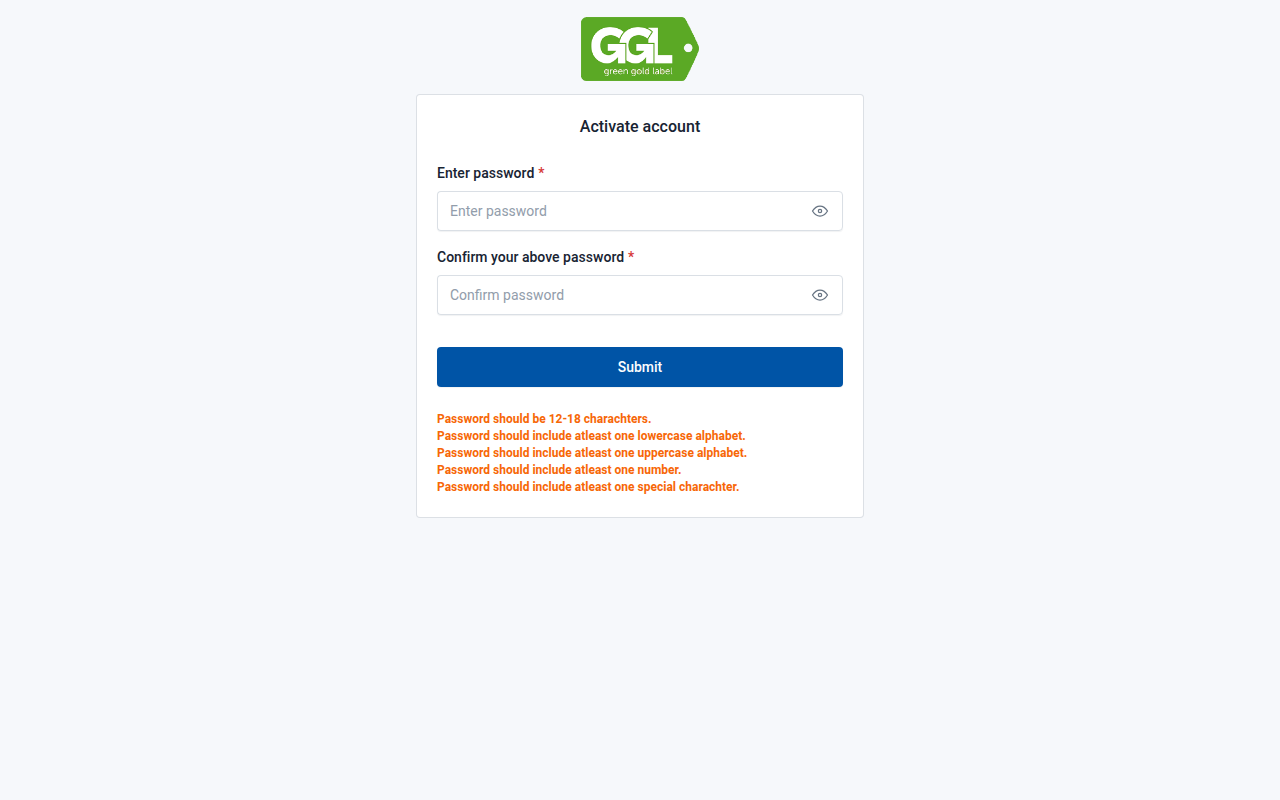
Fig. 1 Activating your account.
You are taken to the sign-in page, where you can now sign in. The first time you sign in you are asked to approve your Certification Body.
Sign in
Open the sign-in page of the platform.
Enter your Email address and Password.
Select Sign in.
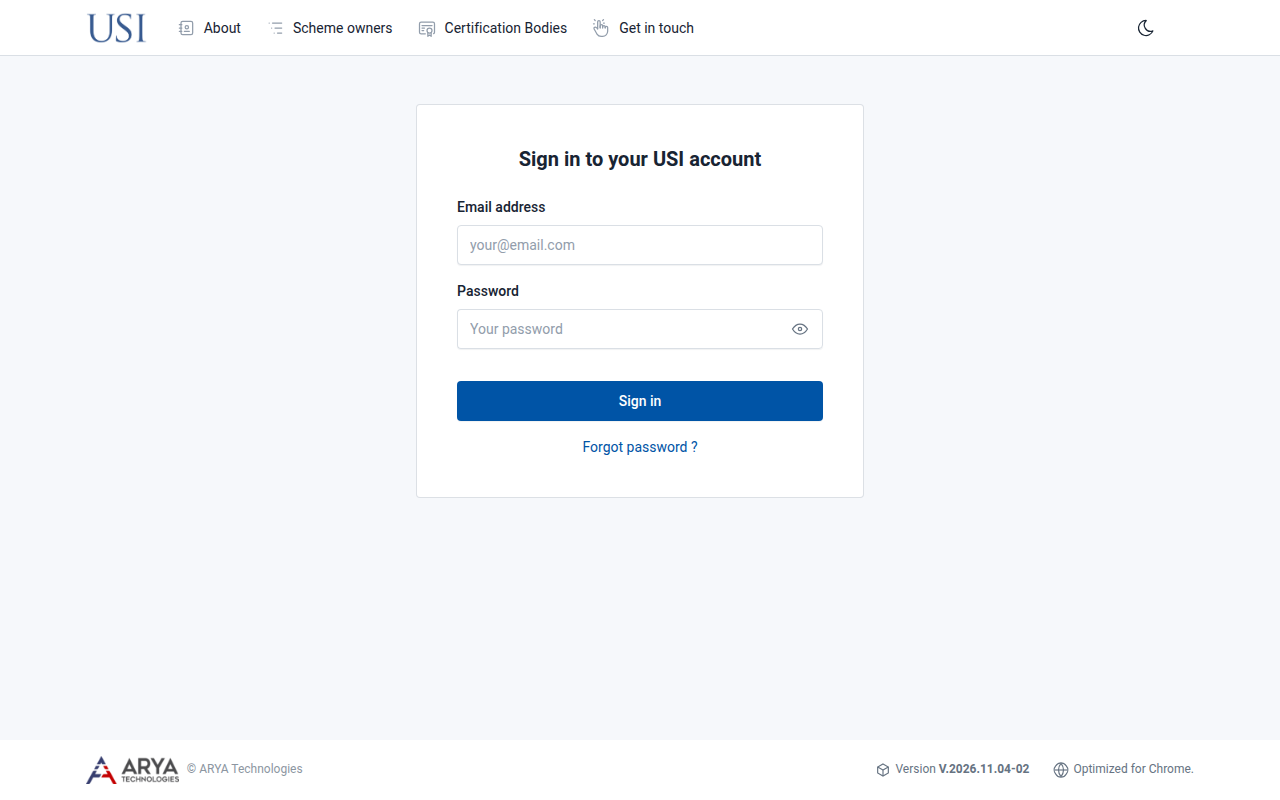
Fig. 2 The sign-in page.
After signing in you arrive at the dashboard.
The platform is optimised for Google Chrome.
Reset a forgotten password
On the sign-in page, select Forgot password ?.
Enter your Email address and select Submit.
Follow the instructions in the email you receive.
To change a password you still know, see Change your settings.
Sign out
Select your name in the top right corner and choose Sign out.