Sign in
Activate your account
When your organisation is registered as a Certification Body, you receive an email with the subject Activate Your Green Gold Label Account.
Open the link in the activation email.
Enter a password and enter it again to confirm. The page lists the rules the password has to meet; they are also listed in Change your settings.
Select Submit.
You are taken to the sign-in page, where you can now sign in.
Sign in
Certification Bodies have their own sign-in page; it is not the page your clients use.
Open the sign-in page for Certification Bodies.
Enter your Email address and Password.
Select Sign in.
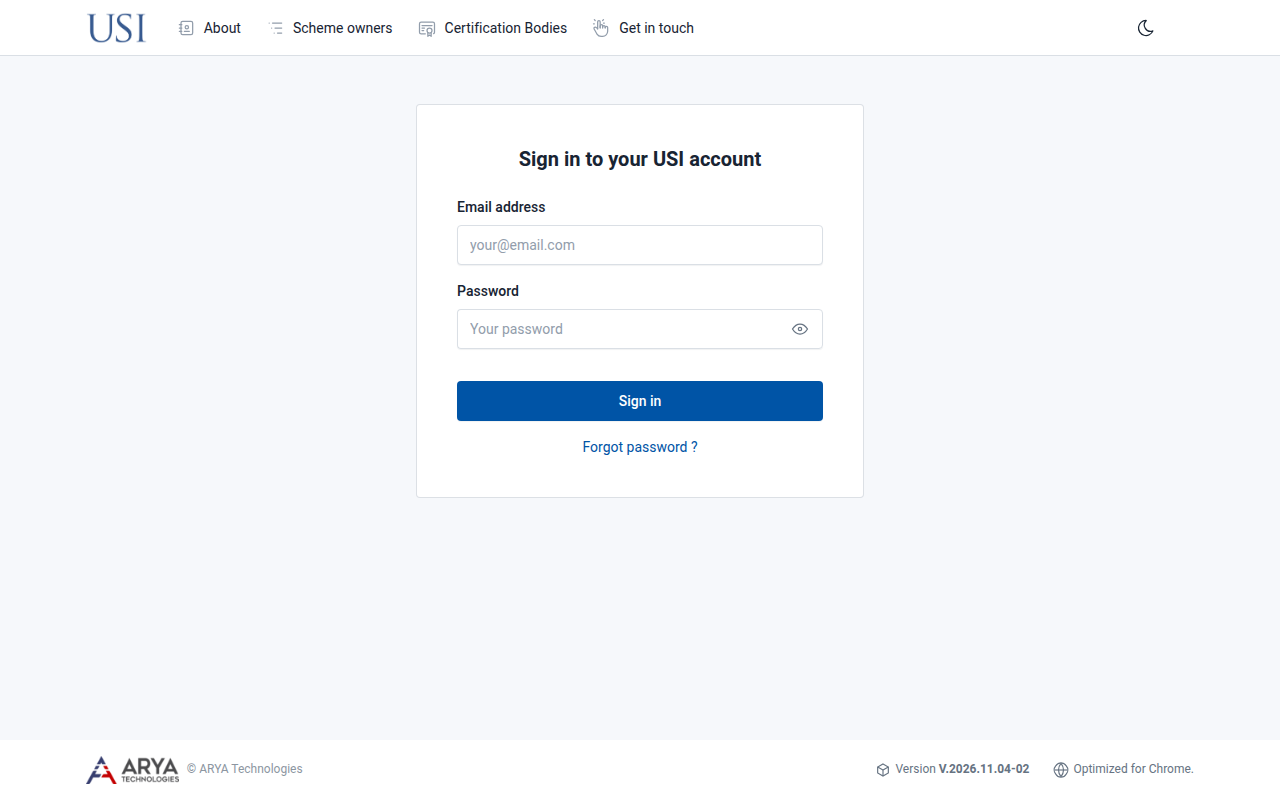
Fig. 1 The sign-in page.
After signing in you arrive at the dashboard.
The platform is optimised for Google Chrome.
Reset a forgotten password
On the sign-in page, select Forgot password ?.
Enter your Email address and select Submit.
Follow the instructions in the email you receive.
To change a password you still know, see Change your settings.
Sign out
Select your name in the top right corner and choose Sign out.